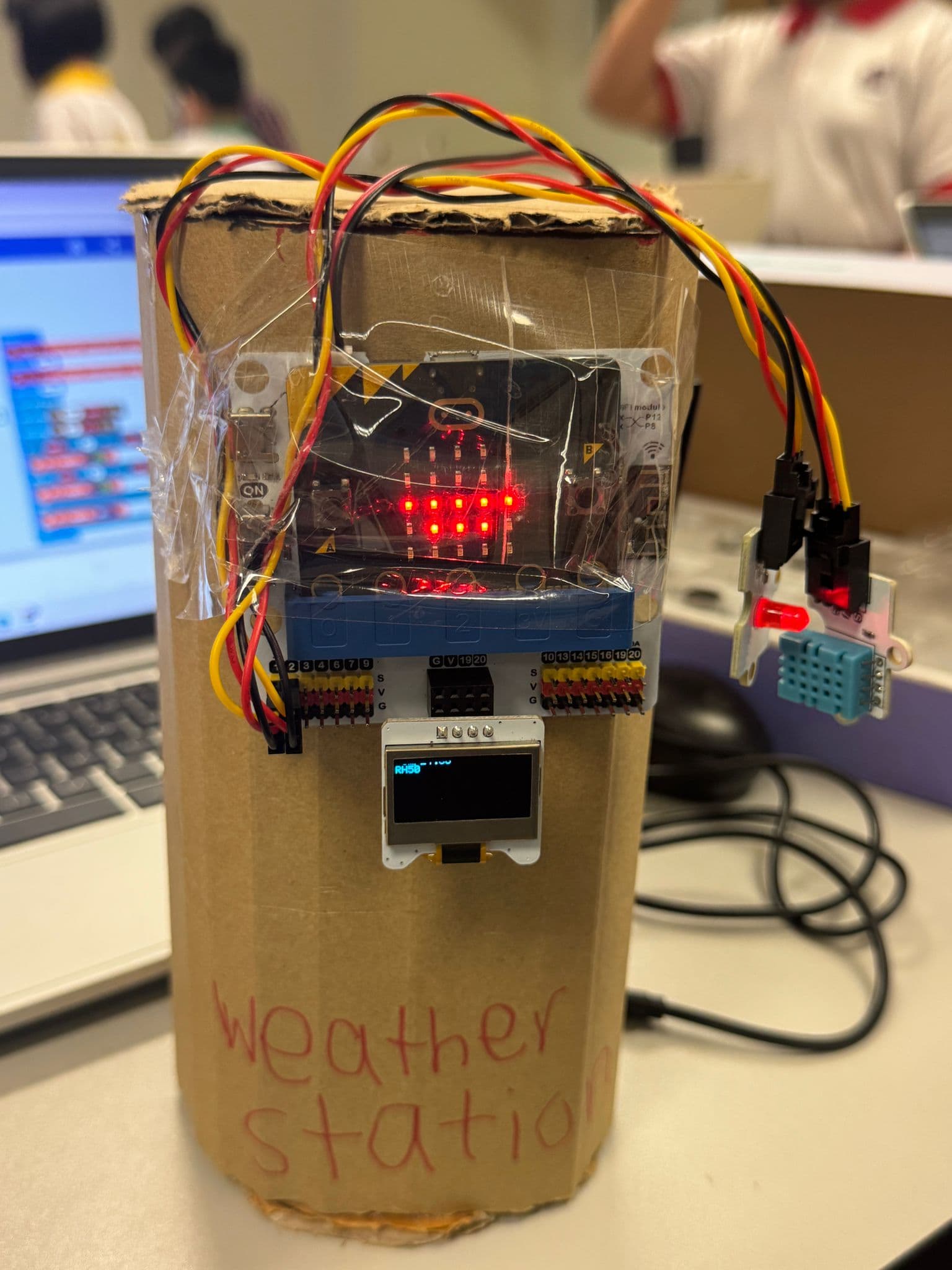
A working weather station with live temperature and humidity readings — wired and coded by a primary school student.
Built for ages 9–14 — Primary 3 to Secondary 2 (Grades 3–8).
Students write code and build working prototypes — objects that sense, respond to, and solve real problems. Computational and design thinking, applied to Singapore’s world. Build at home, in class, or wherever you are.
Younger and older makers welcome too. Our library keeps growing, so there’s something for everyone.
Design Thinking — the framework behind every build
STEAM in practice — disciplines woven into every build
Curriculum themes — real-world Singapore contexts
Same framework as MOE Applied Learning Programme (ALP) and Interdisciplinary Project Work
1. Every build starts with a real problem
Design Thinking shapes each project — students empathise, define, ideate, prototype, and test. STEAM disciplines and real Singapore themes run through every build.
For illustration purposes only — actual platform UI may vary.
The four-part structure of every project —
how it’s delivered and what your child does.
A guided lesson path with slides, video walkthroughs, code, and editable handouts. Material that's been taught in real classrooms — not just designed for them.
Hands-on with real tools. Each project follows design thinking: empathise → define → ideate → prototype → test. A prototype makes thinking visible — when it works (or doesn't), that's information.
Articulate what was made and why, not just how. Reflection prompts after every build. The part that makes the learning stick.
Every completed build saves to a portable portfolio you can publish. Plus offline build-along events — meeting other young makers in your city.
Not as a method to memorise — as the actual shape of the work. Students move through each step on every build, so the process becomes instinct.
Who are you designing for?
What's the real problem?
How might you solve it?
Build and test your idea.
What worked? What's next?
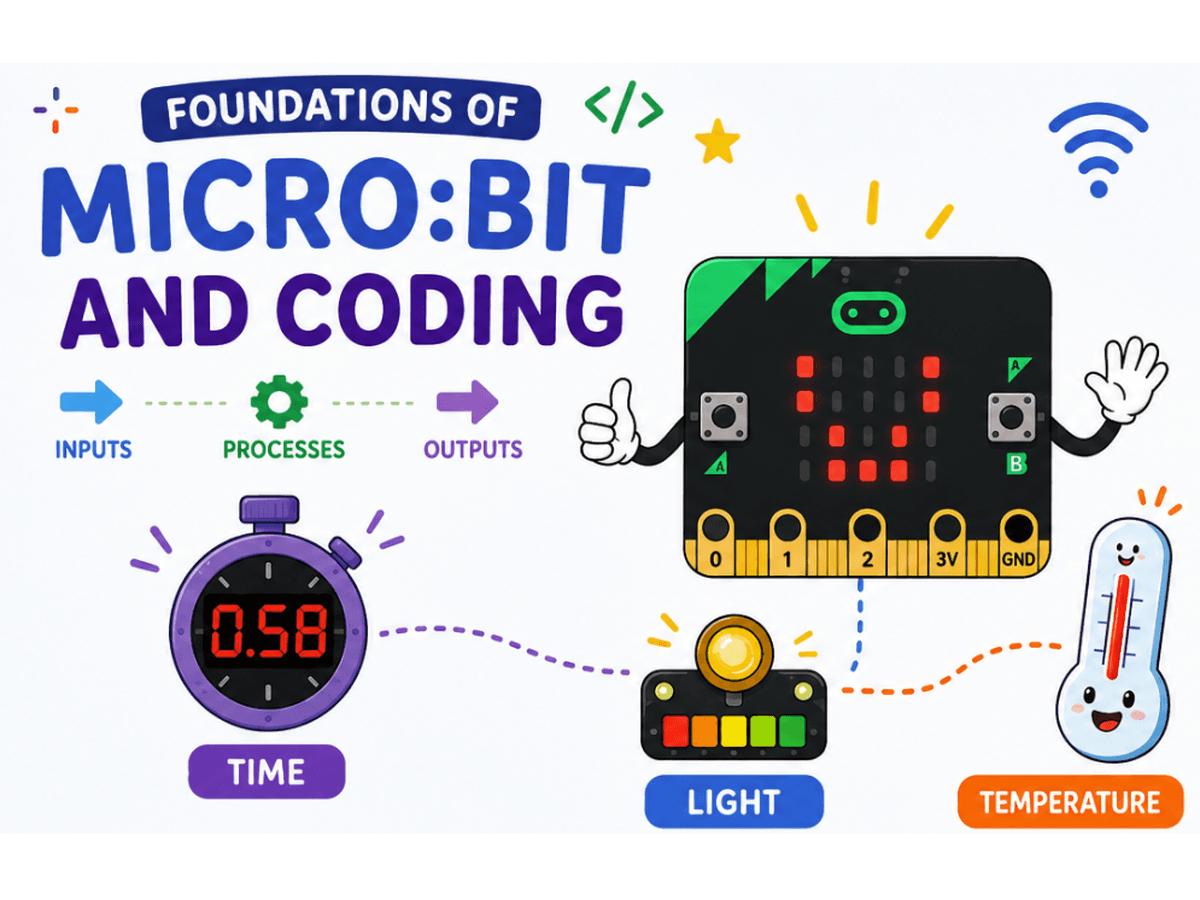
Smart devices are everywhere — but how do they know what to do?
Build three interactive projects with the BBC micro:bit and learn how computers sense their environment, process information, and make decisions.
Create a Reaction Timer Game, measure brightness with a Light Meter, and build a Smart Thermometer that responds to changing conditions. Along the way, students develop the coding and computational thinking skills that power modern technologies.
More projects are released regularly. The programme expands into Scratch, Tinkercad, Canva, AI tools, and more; tools can be combined.
Plus real-world learning journeys exploring ecosystems, food security, sustainable living, and marine biodiversity.
Every student starts with the same guided project. Over time, the scaffolding lifts — and students start building things that are entirely their own.
Step-by-step lessons with video walkthroughs, slides, and handouts. Students focus on understanding how the build works and why.
Students are given a real-world challenge framed as a "How Might We" question. They define the problem, design their own approach, and build a prototype. Materials shift from instructions to prompts.
Instructor Office Hours available from this stage.
Students pitch their own idea, plan the build, and execute it. The portfolio entry is entirely original — a real artefact of independent thinking.
Instructor Office Hours continue throughout.
The Founding Cohort starts with guided builds. “How Might We” and open making roll out as students progress.
Each project sits under a real-world theme. The same challenges Singapore’s schools, communities, and policymakers are working on — now and into the future.
Biodiversity, urban greenery, ecosystems, parks. Wildlife or plants in built-up areas.
Daily-life choices: water, waste, recycling, food, household energy.
Solar, energy efficiency, smart grids, low-carbon power.
Sustainable business, products, supply chains, green jobs.
Climate adaptation: flood, heat, water security, infrastructure resilience.
Eldercare, accessibility, active ageing, mental wellness, multi-generational living.
Pedagogy and meta-skills (design thinking, glossaries, parent-coaching guides) that apply regardless of theme. So your child gets the same framework on every project, and you get the same support.
Not in separate lessons — in the same project, at the same time.
Form a hypothesis, run your build, observe what happens. Cause and effect made physical and testable.
Design systems that work. Iterate when they don't. Every prototype is an engineering decision.
Read real data from sensors. Plot trends. Understand what numbers actually mean in the real world.
Every build ends with a written reflection: what did I make, why, and what would I change? Thinking made visible in words.
Art and design are embedded in every prototype.
Form, usability, and presentation all matter — not just whether the code runs.
The outcomes that build up across every project
— skills, evidence, and something real to show.
Aligned with MOE’s 21st Century Competencies framework.
Critical, adaptive and inventive thinking. Design thinking. Computational thinking. The ability to frame a real problem and work toward a solution — skills that apply well beyond any single tool or subject.
A working prototype per build. A full portfolio entry with code, photos, and written reflections. Evidence of actual making and thinking — not just participation.
A shareable portfolio URL. A verified PDF with a unique ID your child keeps forever. Something real to bring to schools, DSA panels, competitions — or just to show the family.
Every build comes with parent resources. You’re not expected to have the answers — you’re given the tools to ask the right questions.
Plus, foundations resources that stay with you across every build — so you get better at supporting your child as the programme grows.
Lesson-by-lesson notes: what they're working on, what's tricky, how much to help.
Questions that nudge thinking without giving answers. Ask, don't tell.
Parent-facing overview: the shape of the work and where kids tend to get stuck.
The things that trip most kids up on this build, and how to coach through each one.
For kids who finish early or want to push further.
A one-hour weekend activity that connects the build to the real world.
One-page principles: when to step in, when to step back.
The five-step process your child uses on every build, explained for parents.
Every term your child will use — defined so you can follow along.
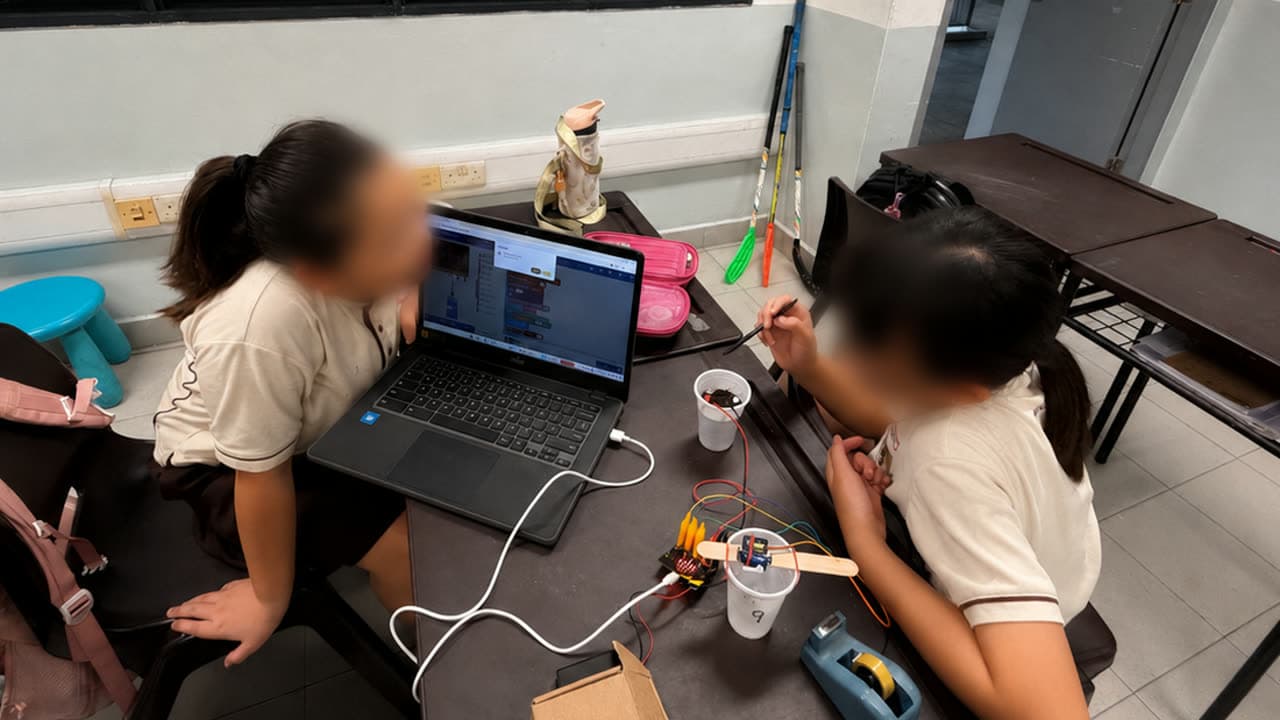
Builds from classrooms and after-school maker clubs.
A working weather station with live temperature and humidity readings — wired and coded by a primary school student.
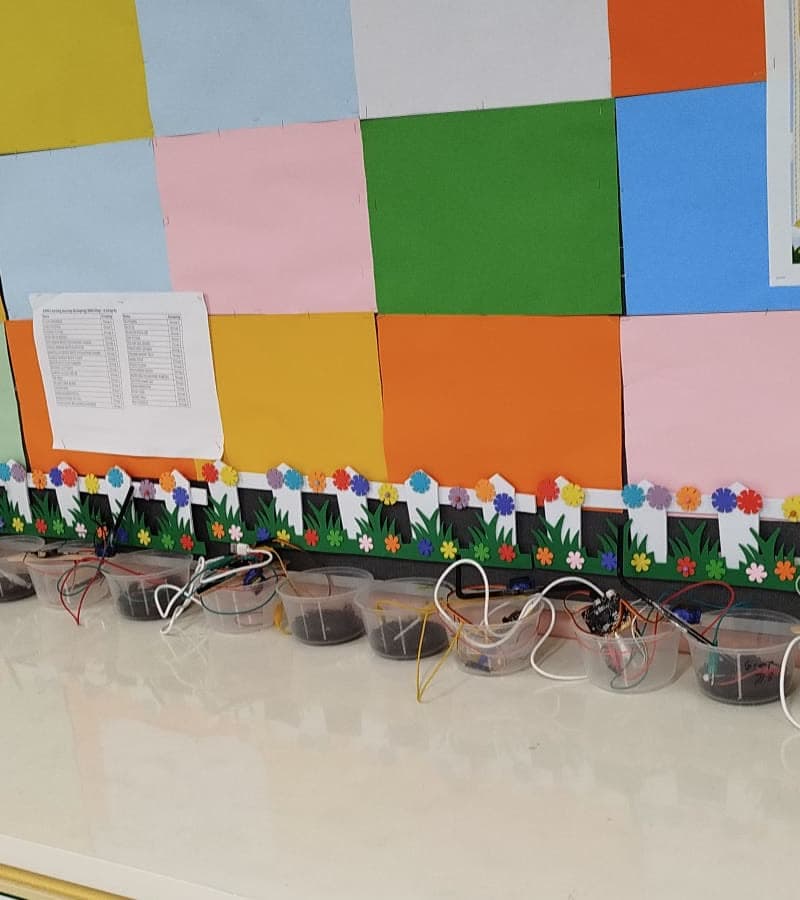
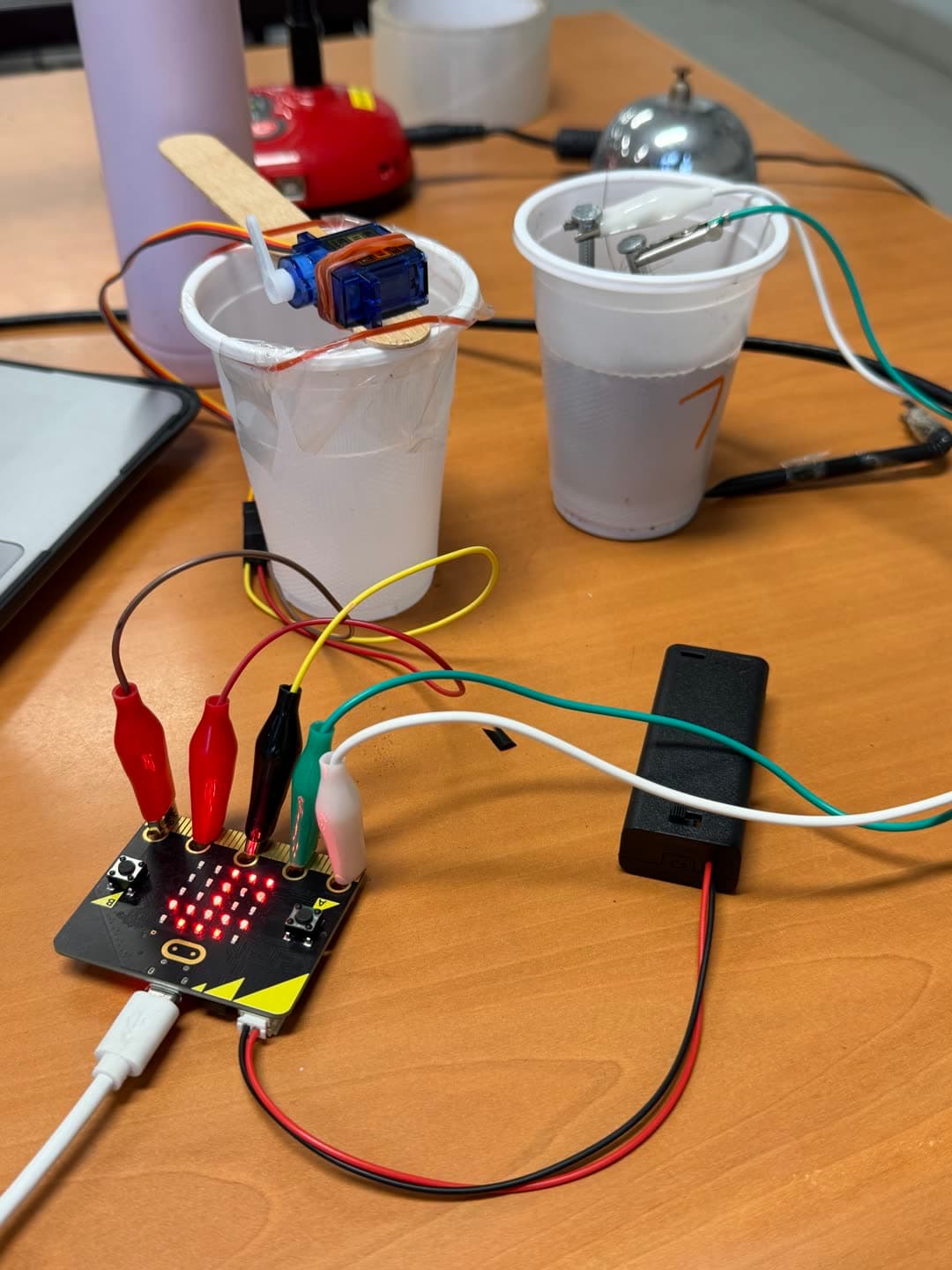
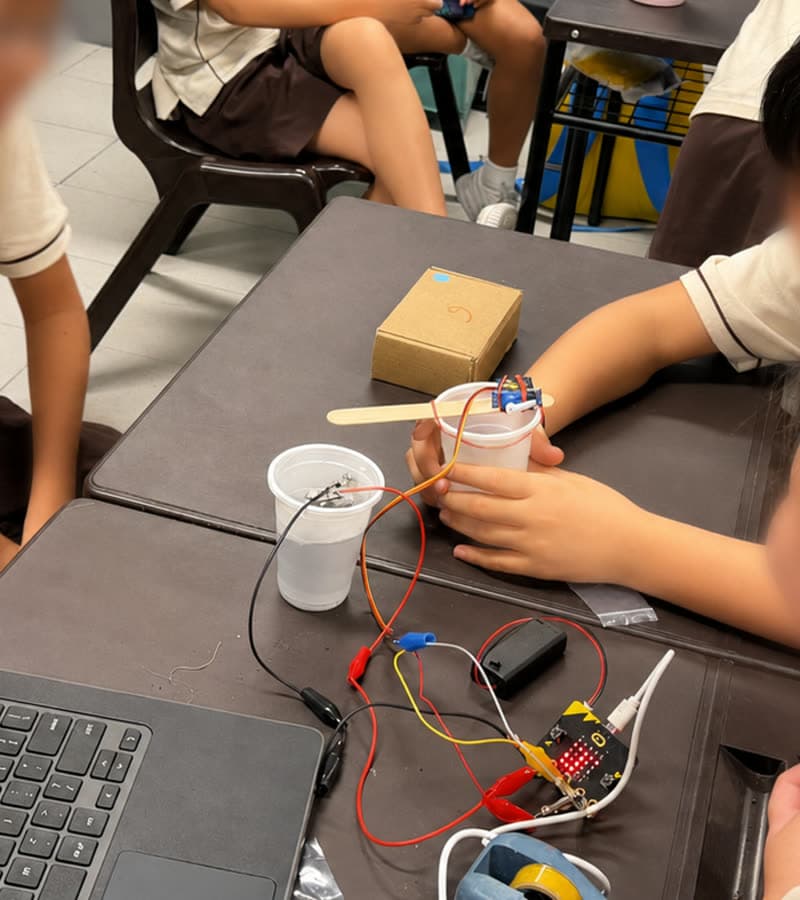
When the soil dries out, it waters itself. A secondary school student's micro:bit self-watering plant system.
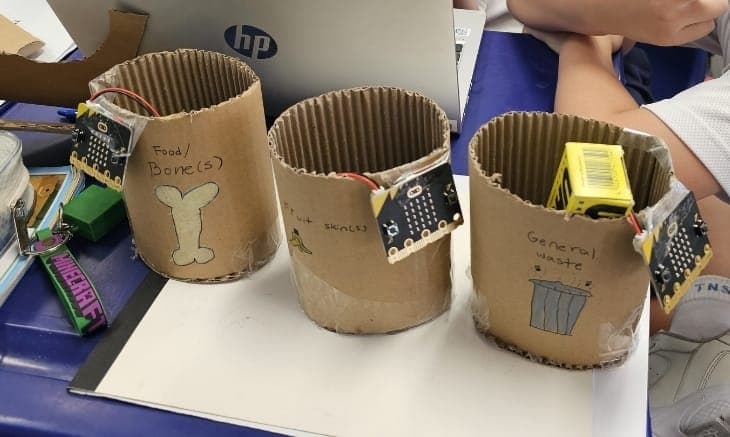
Three smart bins, each coded to know what goes inside. A primary school waste-sorting prototype.
A Cutebot that follows the line — students designed the track, then coded the robot to navigate it.
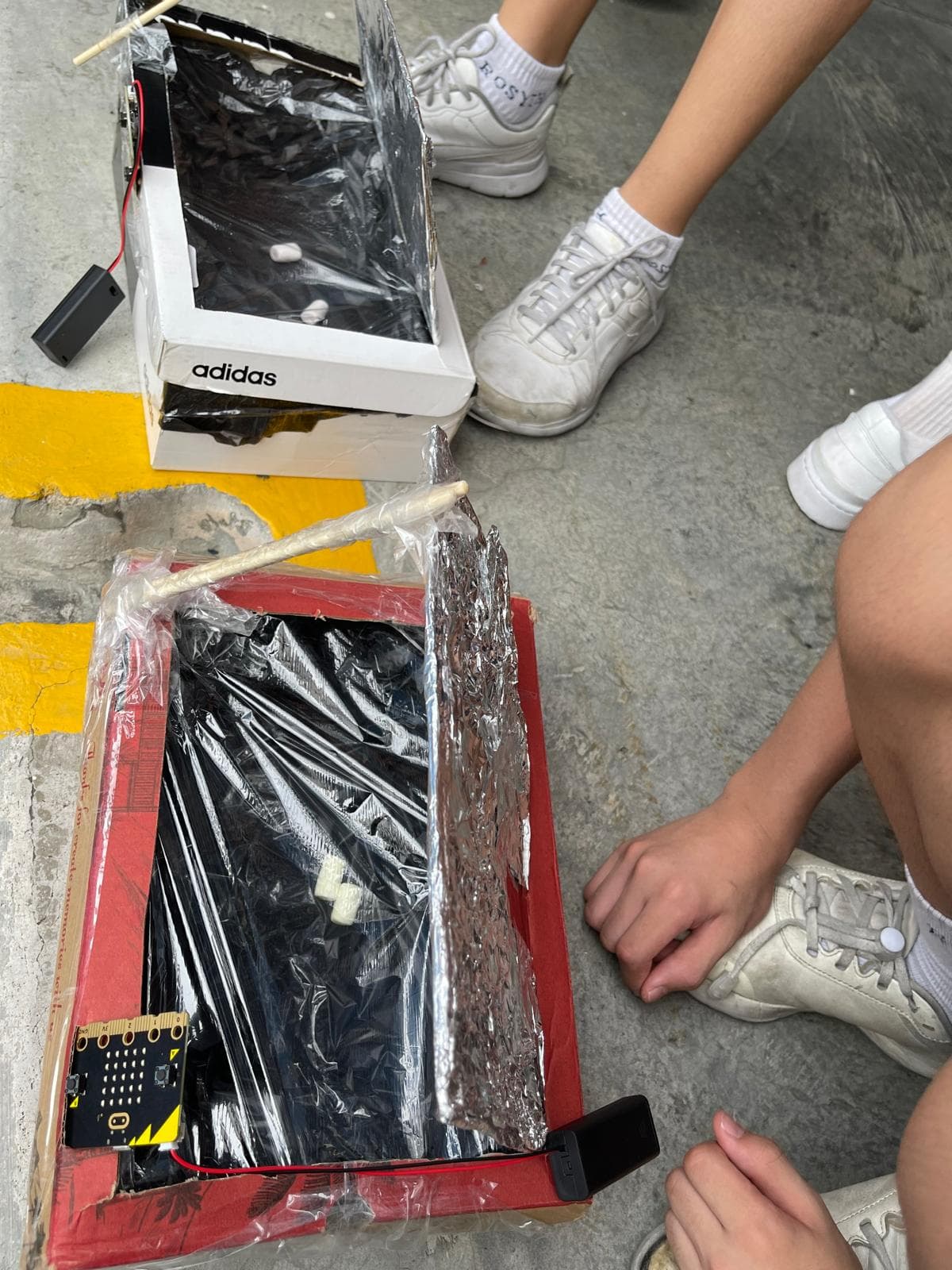
A micro:bit-powered solar oven that tilts automatically to track the sun.
A playable recycling sorting game, coded to make waste habits interactive.
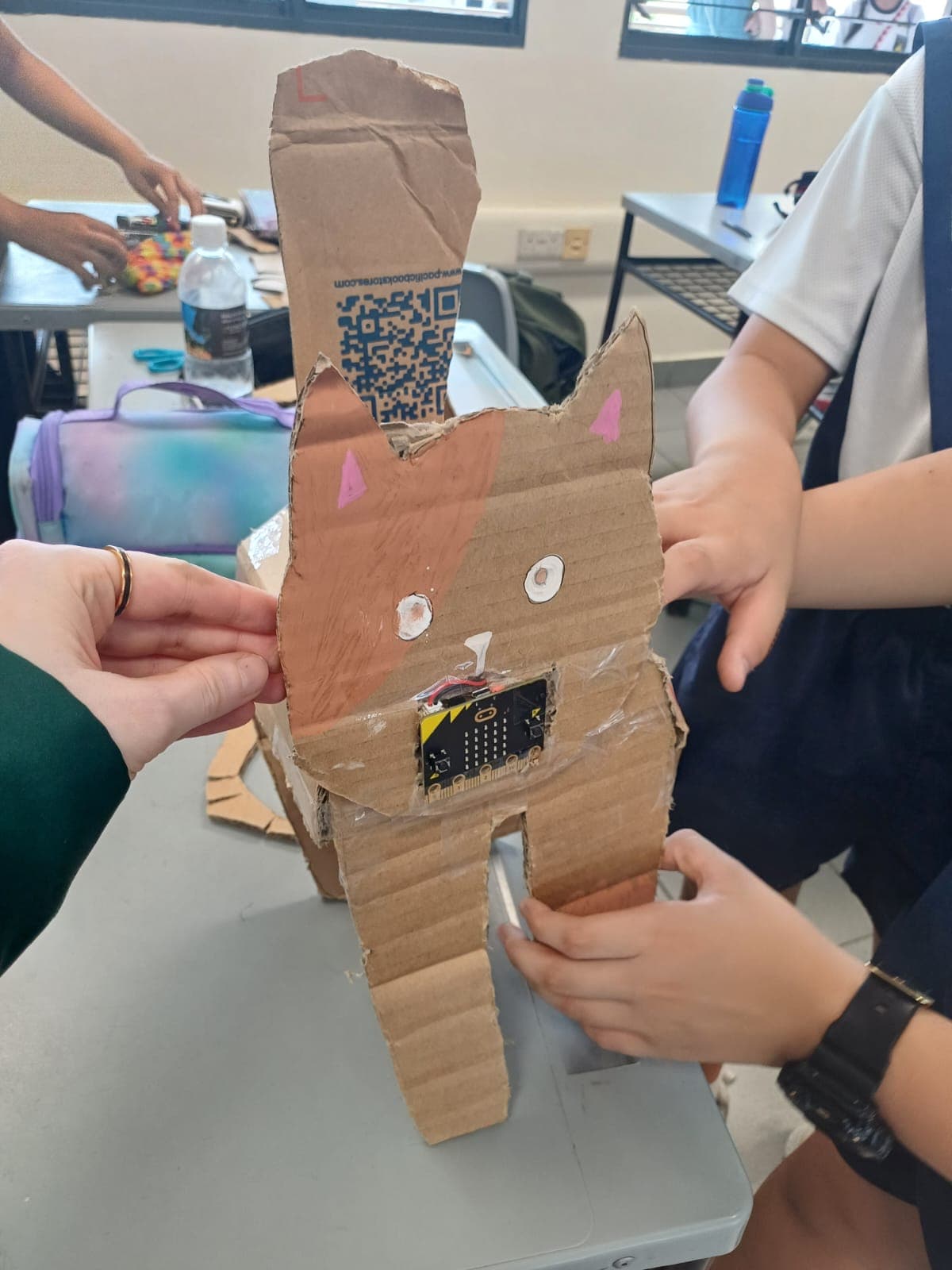
Shake it or leave it alone — this cardboard cat has feelings. A primary school micro:bit virtual pet.
A P6 prototype: block-based code turned into a working micro:bit build.
A working weather station with live temperature and humidity readings — wired and coded by a primary school student.
When the soil dries out, it waters itself. A secondary school student's micro:bit self-watering plant system.
Three smart bins, each coded to know what goes inside. A primary school waste-sorting prototype.
A Cutebot that follows the line — students designed the track, then coded the robot to navigate it.
A micro:bit-powered solar oven that tilts automatically to track the sun.
A playable recycling sorting game, coded to make waste habits interactive.
Shake it or leave it alone — this cardboard cat has feelings. A primary school micro:bit virtual pet.
A P6 prototype: block-based code turned into a working micro:bit build.
Every project your child completes becomes a portfolio entry — code, photos, reflection, outcome. A record of real thinking and real effort that builds over months. Something they can look back on, improve, and share.
And when opportunities come up, they have something real to show for it.
One click publishes a live portfolio page at a permanent, unique URL. Share it directly with schools, DSA panels, or family. Unpublish any time from the parent dashboard.
Export a print-ready PDF from the parent dashboard at any time. Every PDF carries a unique certificate ID and a verification link — so DSA panels, schools, and judges can confirm its authenticity in one click.
Build 01 · 4 weeks · 4 lessons · 9 reflections · 7 photos · code published
My grandma keeps plants outside our HDB flat. Whenever we travel, it can be difficult to remember to water them, and some of the plants don’t do well while we’re away. I wanted to create a system that could water the plants automatically, so they stay healthy even when nobody is home.
DSA-Sec opens doors based on what students do, not just how they score. A portfolio of real builds is tangible evidence across categories like:
We don't guarantee admission outcomes, but we give your child the raw material to represent themselves honestly.
Referencing DSA-Sec categories factually, not as an admission claim. Code Gakko does not guarantee DSA outcomes.
Day one is the beginning.
Here’s what the programme grows into.
Founding Cohort starts with guided builds. As students gain confidence, the programme introduces “How Might We” challenges — real-world problems students solve on their own terms. Instructor Office Hours become available from this stage.
From there, students move into fully open making: pitching ideas, developing their own prototypes, and refining them with continued Office Hours support.
We start with Micro:bit so students can build tangible, working prototypes from day one — making ideas visible and testable.
The toolkit expands over time to include Scratch, Tinkercad, Canva, AI tools, and more. Students learn to combine technologies — e.g. Scratch with AR / Machine Learning, Canva with AI generation — while applying the same design thinking process throughout.
Founding members help shape what comes next.
Maker experiences bringing together students, parents, and educators to tinker, prototype, and present ideas — with future showcases, Demo Days, and innovation challenges for the wider community.
As students begin building more independently, Instructor Office Hours provide a space to ask questions, refine ideas, troubleshoot prototypes, and keep making outside structured sessions.
Timelines coming as the Founding Cohort builds momentum. Founding members get early access to everything above.
Code Gakko Makers works for student groups too — teachers can bulk-add students, manage lessons, and we bill via Vendors@Gov.
We're already in 50+ schools & organisations (20,000+ students built with us since 2016). Tell us what you need.
Or email info@codegakko.com directly.
Only 50 spots.
Access starts on sign-up
Start your Founding MembershipQuestions? info@codegakko.com